Übersicht:
Favoritenliste:
Favoritenseiten
| Ihre Favoritenliste enthält derzeit keine Seiten. Sie fügen dieser Liste Seiten hinzu, indem Sie im Menü Extras der angezeigten Seite Favorit selektieren. |
Diese Seite dient der Dokumentation aller Anleitungen die im Rahmen des Testens der Re³gistry Migration erstellt werden. Weiterhin werden hier auch externe Quellen, die diesen Prozess unterstützen referenziert.
Die Tickets die zu Issues im Rahmen des Testens entstehen werden unter https://redmine.gdi-de.org/projects/test-re3gistry-migration-v2-x gesammelt.
...
Content class reference = mit diesem Feldtyp kann der Benutzer einen Referenzcode in einem Register x verknüpfen, der auf einen anderen Referenzcode in einem Register y verweist
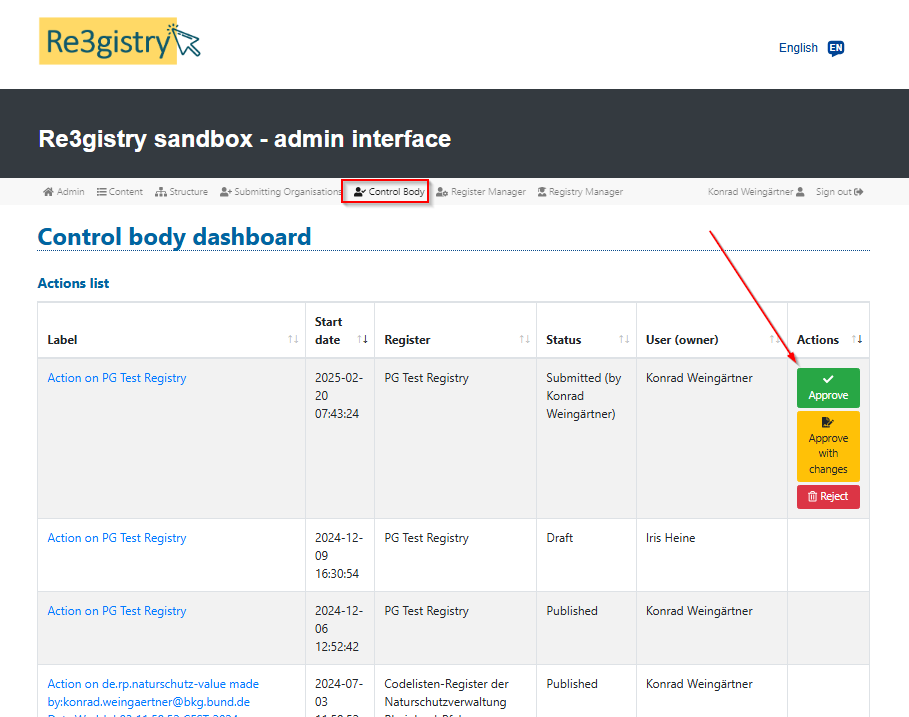
1 Go the the registry page and click the button "Add register"

Step 2. Add the register details and "Save"
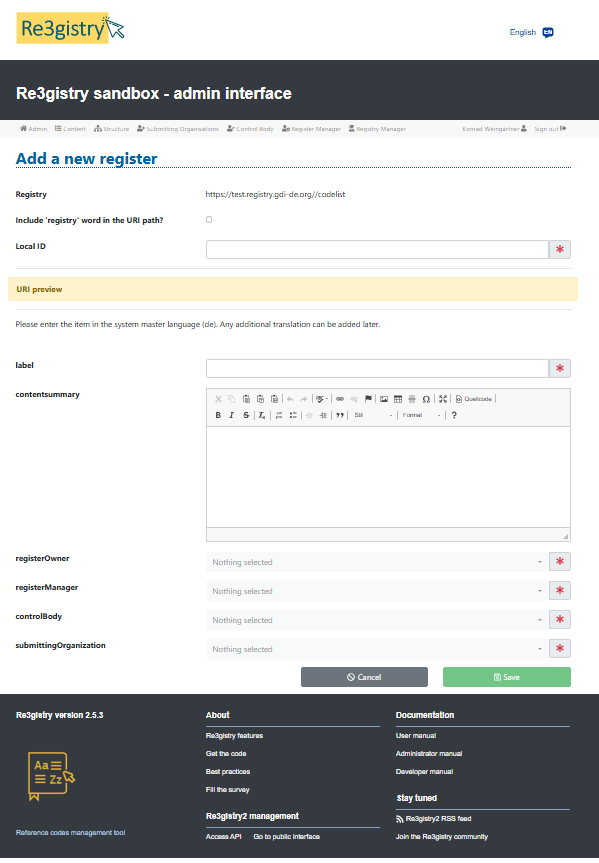
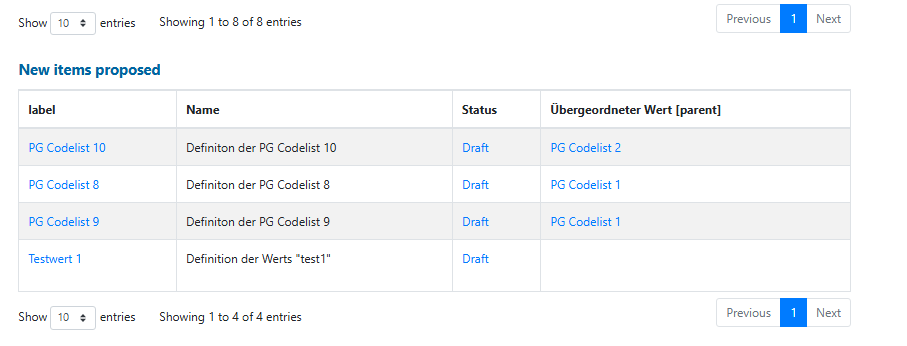
2.1. Now you will see the newly created register in the "New item proposed" table
2.2. Go to menu tab "Registry Manager" and "publish" the action containing the newly create register
2.3. Go to menu tab "Structure"
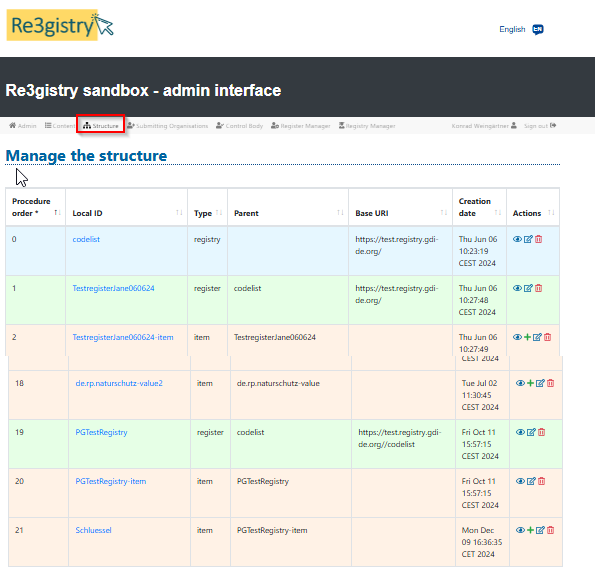
In this moment you can only add the register items (for example Codelist using the INSPIRE Registry terms)
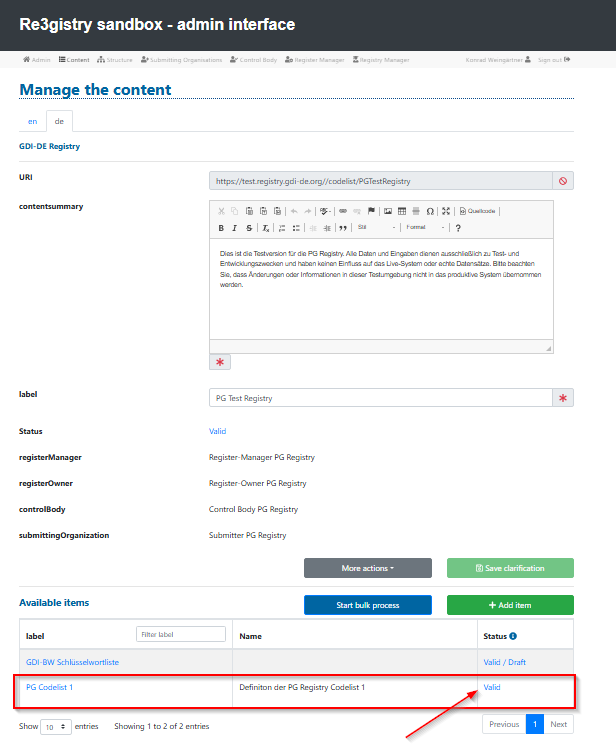
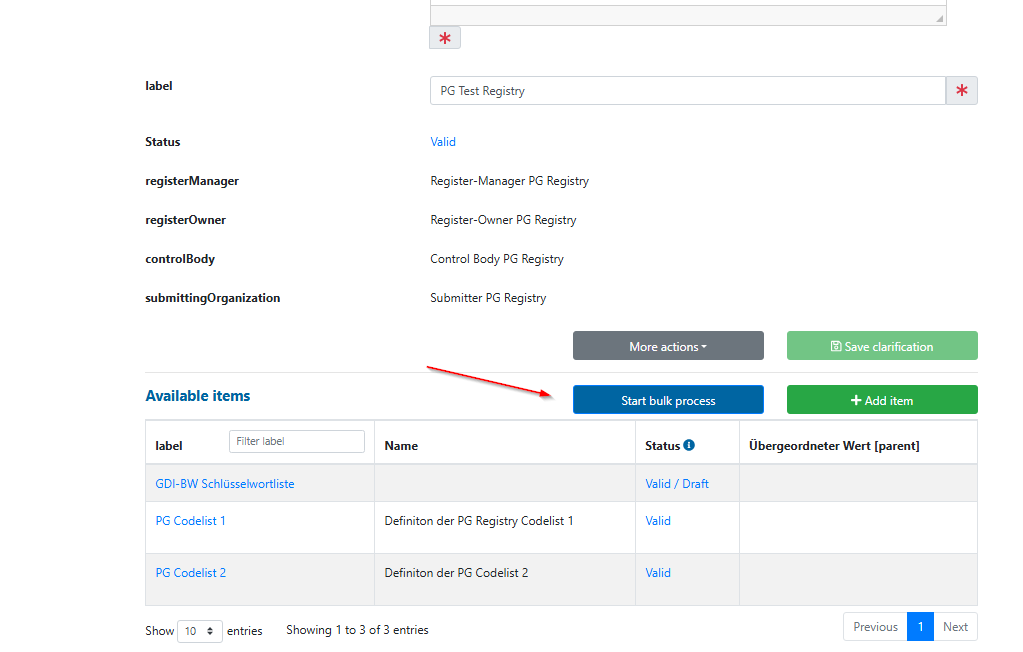
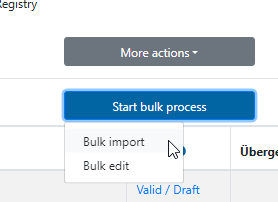
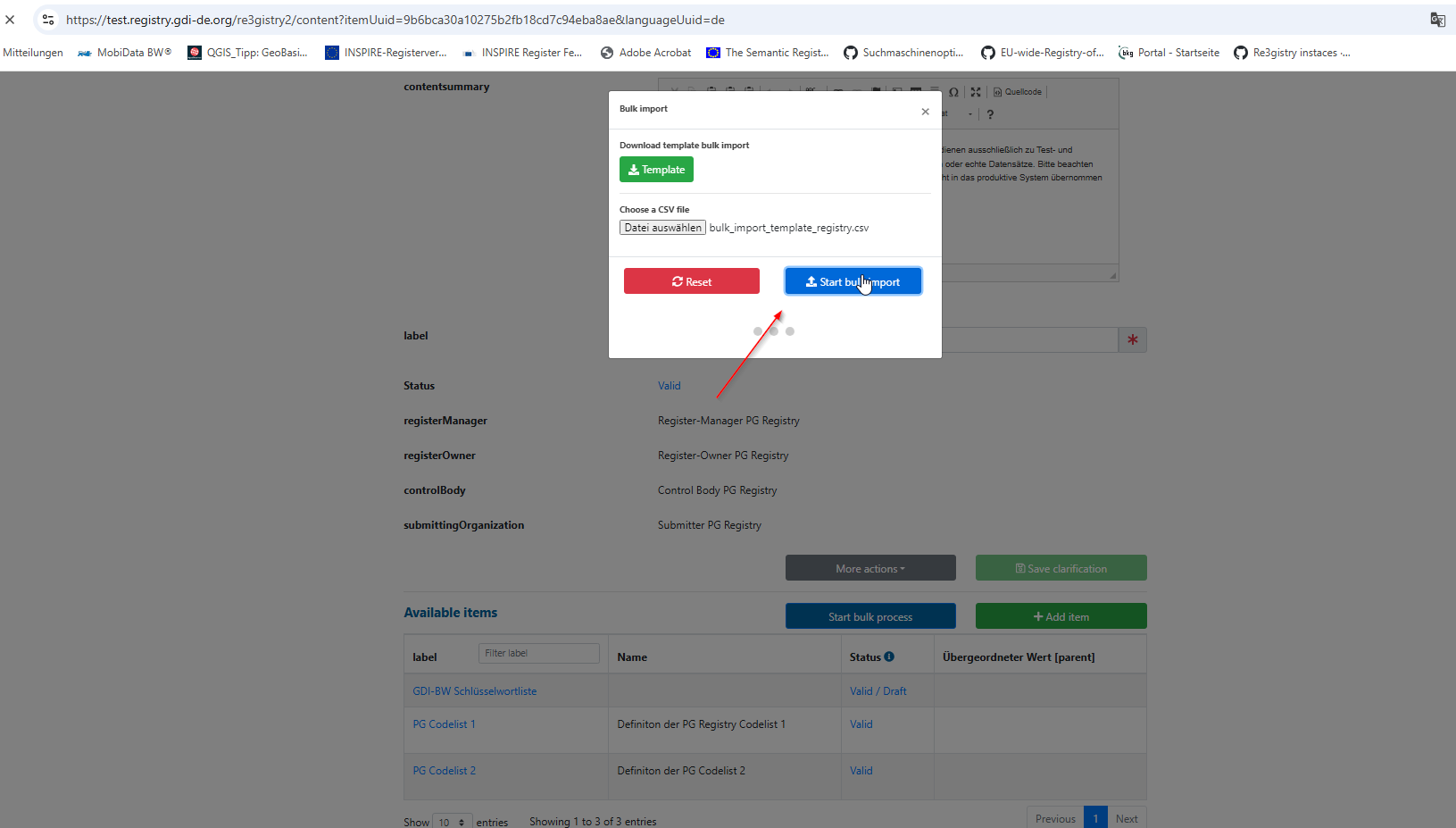
2.4. You can add the register items using the interface by clicking the "Add Item" or by doing the "Bulk import".
Add item
Bellow see the addition of an single item by using the interface.

than click save and follow the intire workflow to publish the item.
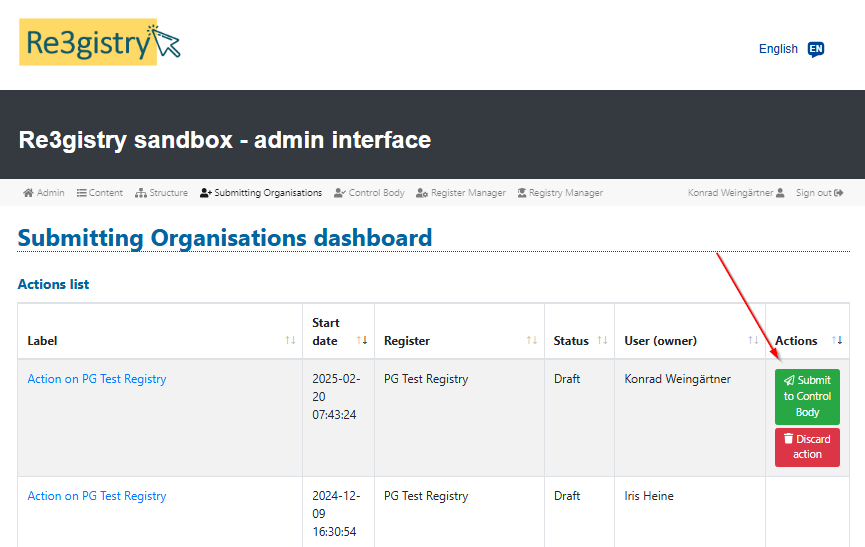

2.5. Now lets say that I want to create another item but I want that this item has as a parent the item I have created before.
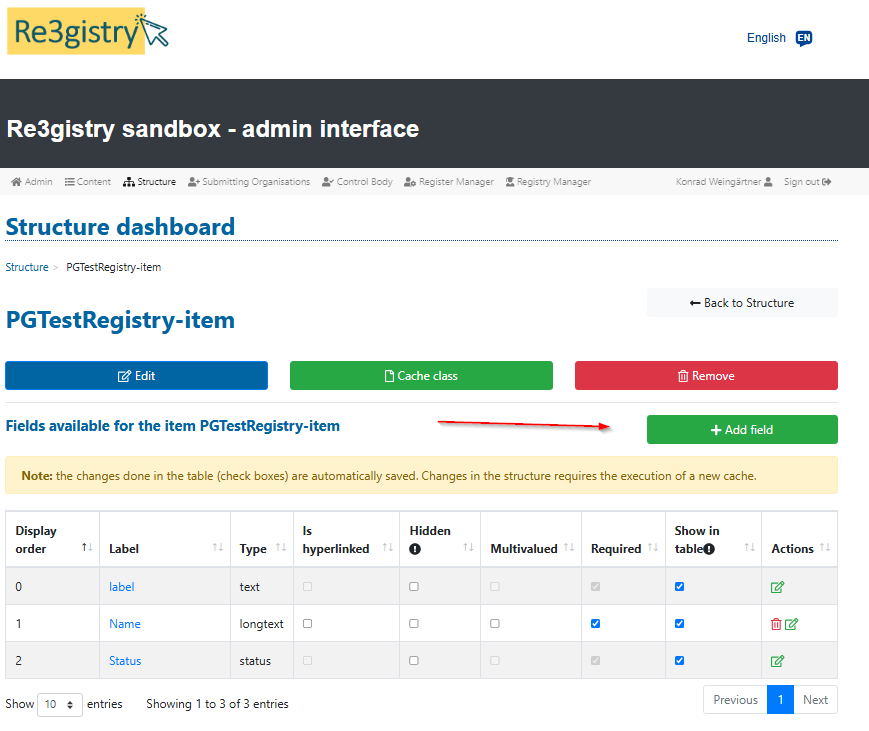
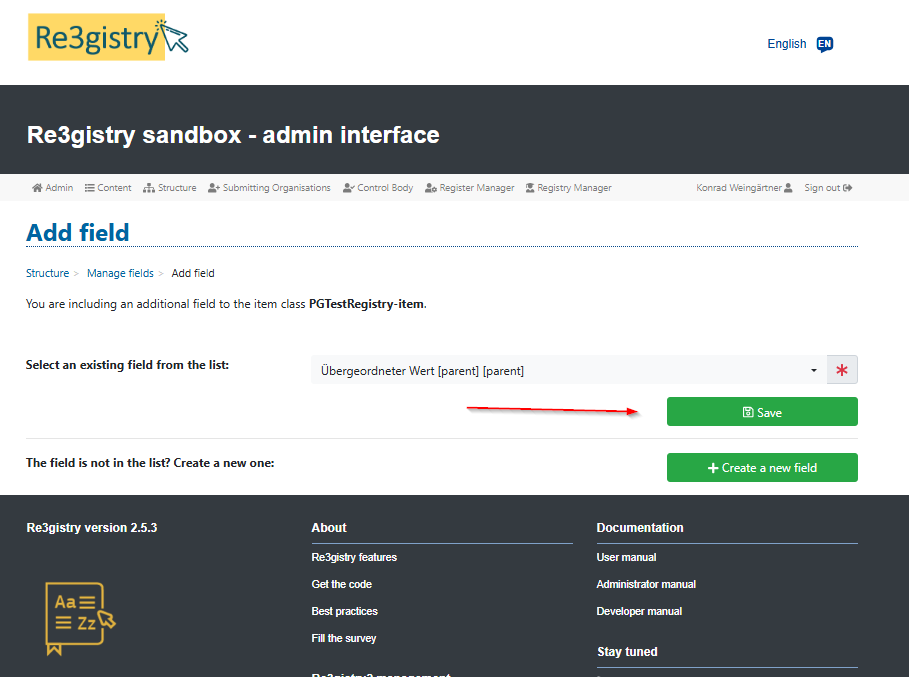
What I do is going to the tab structure, and to the reg_itemclass "italiaregister-item" and I will add a field "parent". As ISO13195, we know that a parent needs to have the same item class as the child item.

2.7. In this moment I have
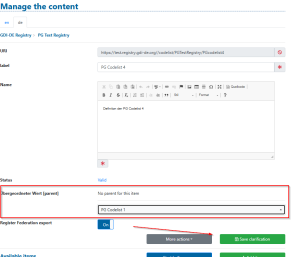
Step 3. Now go back to the structure and add a child item class for "italiaregister-item"
3.1. Add a local ID for the item class and save the change
and add a field parent to it, as we did for the "italiaregister-item".
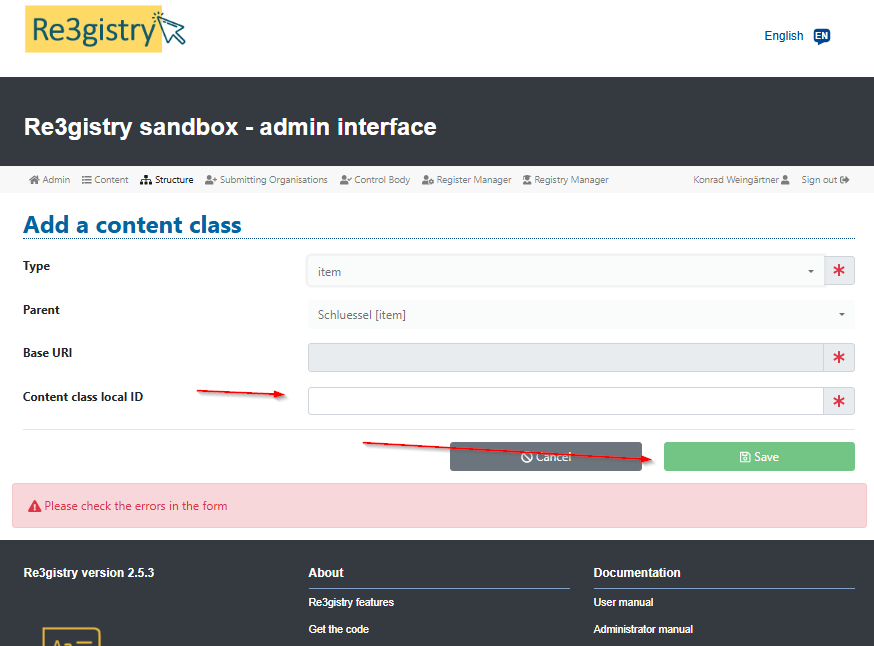
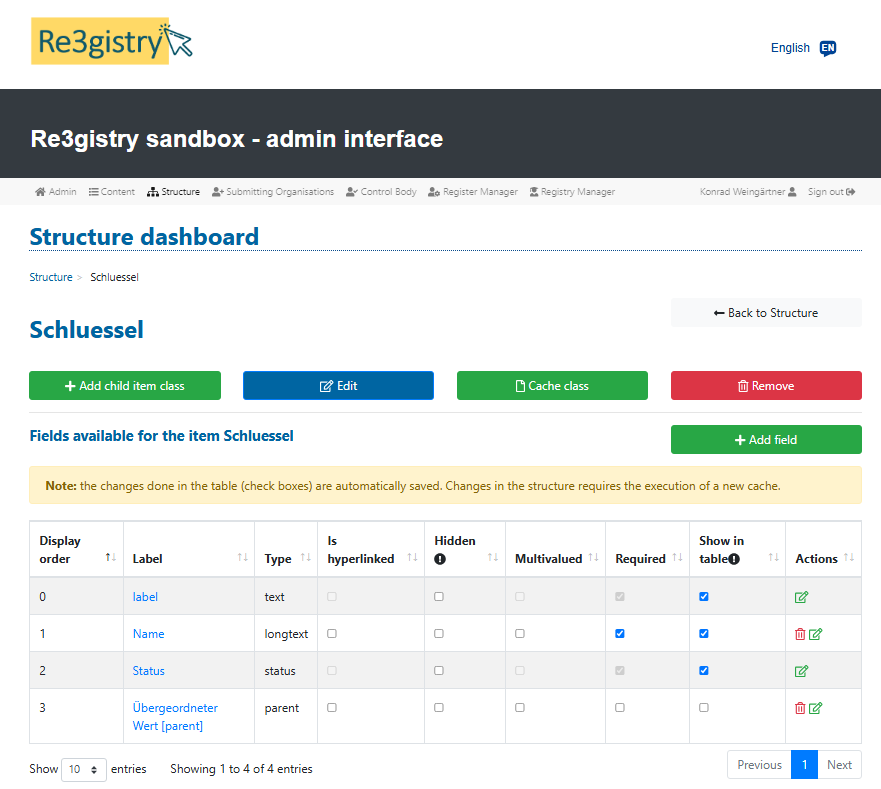
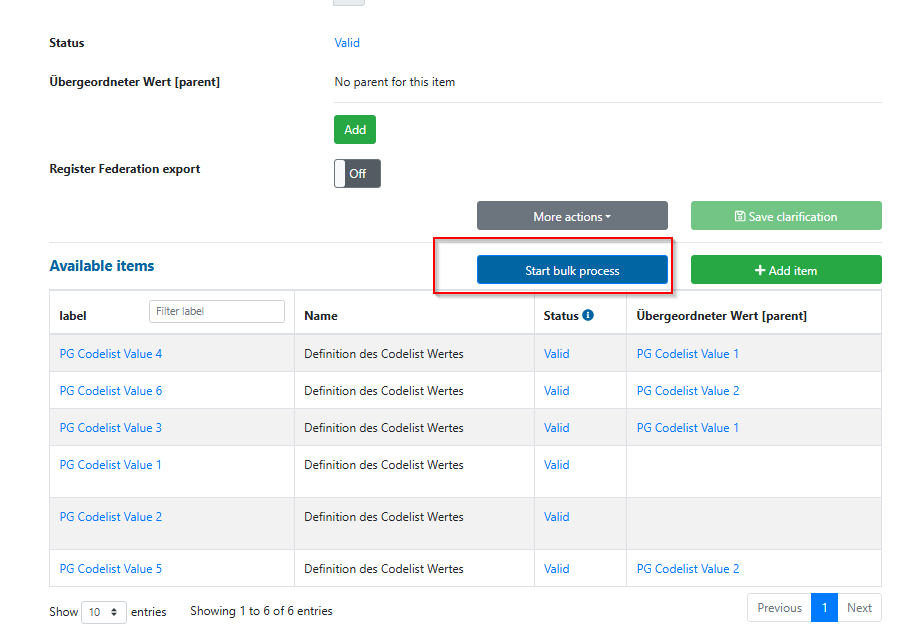
3.3. Now I will follow exactly the same process as for the "italiacodelis-item" item class. I will add 2 items from the interface, I will publish them and later I will do a bulk import with more items and I will use the 2 parents valid published before.
The file used for the bulk import
have a reference from the codelist-values to a another itemclass you can create a field of type relationReference
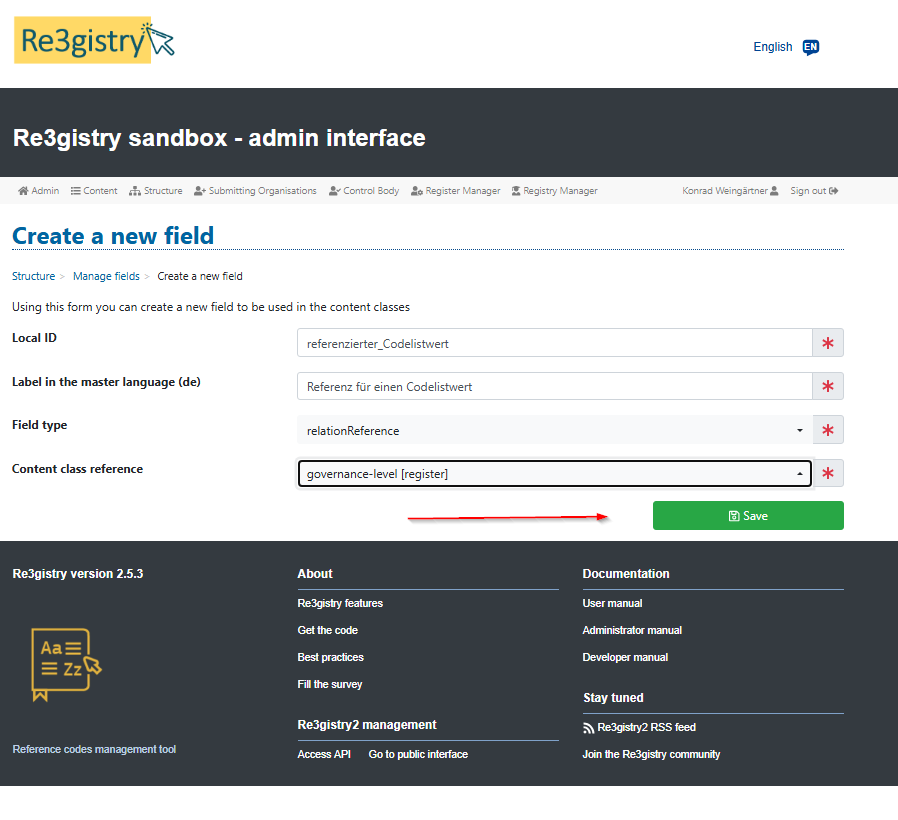
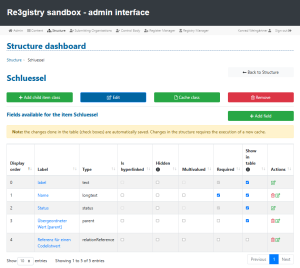
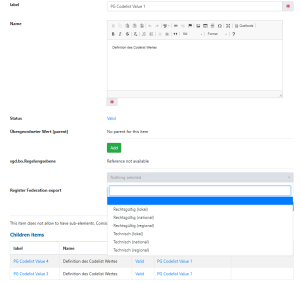
Auch hier bulk import möglich, template herunter laden
Links:
https://github.com/ec-jrc/re3gistry/blob/master/documentation/user-manual.md